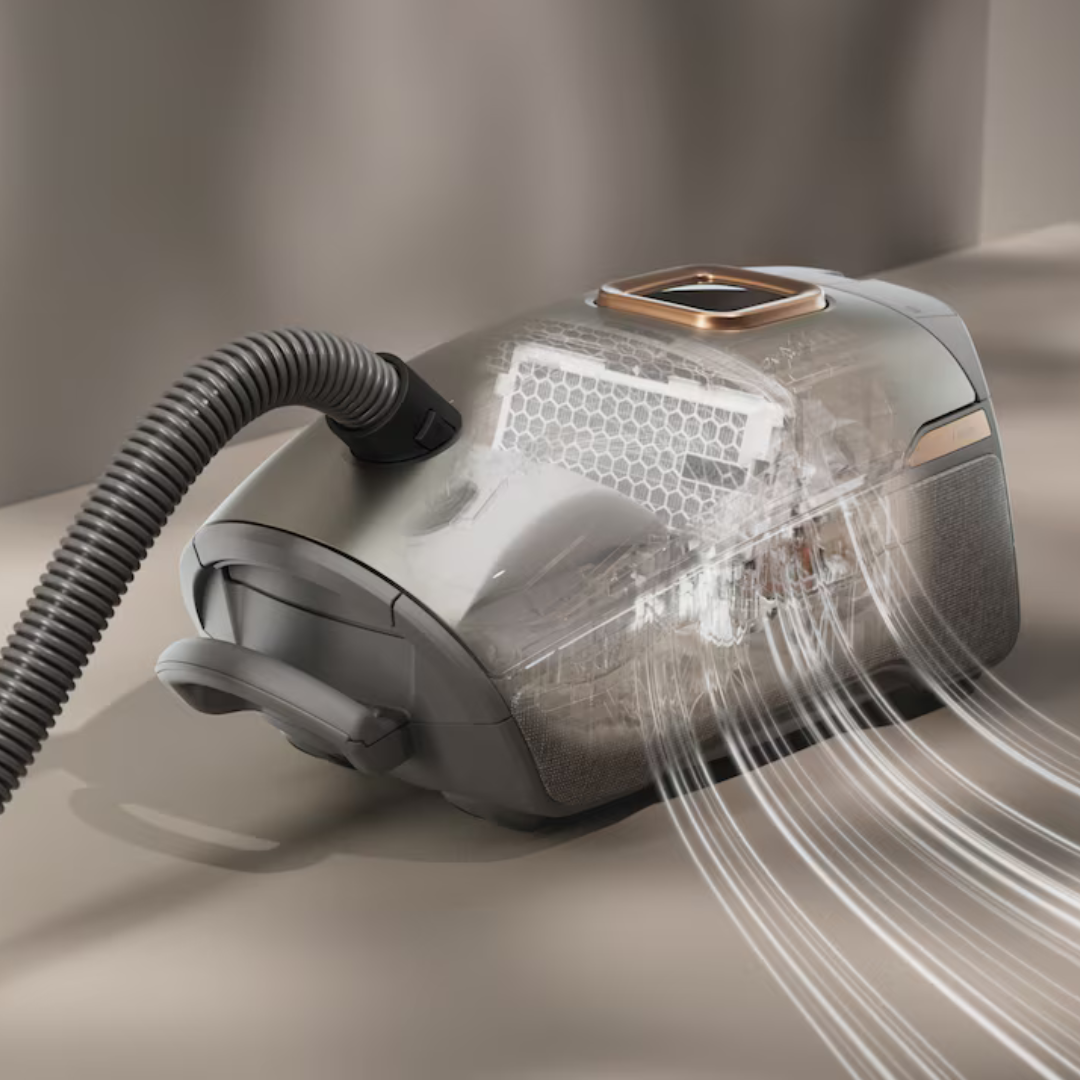
Your Vacuum Is Working at Half Capacity... The 10-Minute Reset That Will Change That.
If your vacuum feels like it’s barely trying anymore, you’re not alone- and it’s probably not dying. Most suction loss comes from preventable clogs and restrictions you can clear in minutes. We’ve all had that moment: you pull out the vacuum expecting it to roar through pet hair, crumbs, and dust like it used to, but instead it glides over debris like it’s on vacation. You push harder, go over the same spot three times, and still end up disappointed. The natural assumption is “it’s getting old” or “time for a new one.”
In reality, very few vacuums actually lose motor power that quickly. What almost always happens is airflow gets slowly strangled by things owners overlook: a bag that’s fuller than it looks, clogged filters, hair-wrapped brush rolls, and hidden hose blockages. These issues start small and compound until the machine feels half as capable as the day it arrived.
The best part? You can usually reverse this decline with a fast, straightforward reset- no service appointment, no fancy tools, just 10 minutes and a pair of scissors. Here’s exactly how to do it.
The 10-Minute Vacuum Reset Checklist
Replace the Bag (Even If It’s “Not Full” Yet) Most people wait until the bag is bursting or the indicator finally lights up. By then, airflow is already severely restricted. A bag that’s two-thirds full can cut suction noticeably because the fine dust packs tight and chokes the system. If you’re not sure when you last changed it, swap in a fresh one now. The difference is immediate—stronger pull, better pickup, less strain on the motor. Stock up on genuine replacement bags to keep your machine running at peak efficiency: Miele Vacuum Bags & Filters.
Inspect and Clean (or Replace) All Filters Virtually every modern vacuum has at least two filters: a pre-motor filter and an exhaust (or HEPA) filter. Over time they collect dust that blocks airflow the same way a dirty car air filter reduces engine power. Check your owner’s manual for exact locations (often behind easy-access panels), tap off loose dust outdoors, rinse washable filters thoroughly and let them air-dry completely, or replace disposable ones if they’re caked or discolored. This step alone revives many “weak” machines.
Free the Brush Roll from Hair and Thread Tangles Pet hair, long human hair, carpet fibers, and threads wrap tightly around the brush roll over months or years. When the roll can’t spin freely, it stops agitating carpet effectively and puts extra strain on the belt and motor. Turn the powerhead over, use scissors or a seam ripper to carefully slice through the wrapped hair (don’t cut the bristles), then pull the debris off in clumps. A clean, spinning brush roll dramatically improves deep cleaning on carpets and rugs.
Look Through the Hose for Hidden Clogs Disconnect the hose from both ends and shine a flashlight through it like a tube. You’ll be surprised what collects inside: small toys, socks, wads of dust, even pet treats. These blockages can reduce suction to almost nothing. Gently flex the hose or use a long, flexible object (like a straightened wire hanger with a loop) to dislodge anything stuck. Reattach securely, then test the vacuum. Most people discover at least one sneaky clog during this step.
Run a quick test after completing all four steps. You should feel noticeably stronger suction, easier debris pickup, and less effort required to clean. If the improvement is dramatic, congratulations- you just gave your vacuum a new lease on life!
If you’ve cleared everything and suction still feels underwhelming, the motor brushes or other internal components may be wearing out (more common after 10–15 years of heavy use). At that point, investing in a new, high-quality vacuum often makes more sense than continuing to fight diminishing returns.
Keep your vacuum performing like new with the right parts: Shop Miele Vacuum Parts & Accessories or Browse All Vacuums if you’re ready for an upgrade. If not, a 10-minute reset today means cleaner floors tomorrow- without the frustration or second-guessing. Your home (and your patience) will thank you.